Best IPTV for Firestick in 2026: Setup Guide + What to Look For
Best IPTV for Firestick in 2026: Setup Guide + What to Look For
The Amazon Firestick is the cheapest, easiest way to turn any HDMI TV into a smart streaming device — and it's the device most IPTV users start with. This guide explains how to install IPTV on Firestick, what features to look for in a provider, and how to set up Necro IPTV in under 10 minutes.
Why Firestick is the #1 IPTV device
- Cheap — entry-level Fire TV Stick is under $40.
- Portable — fits in a pocket, plugs into any HDMI TV including hotels and AirBnBs.
- Sideload-friendly — installs apps outside the Amazon Appstore, which is essential for most IPTV players.
- Snappy — Fire TV Stick 4K and 4K Max comfortably handle 4K HEVC streams.
What to look for in IPTV for Firestick
- Compatibility with major IPTV players (IPTV Smarters Pro, TiviMate, IBO Player).
- Xtream Codes API + M3U URL — both are universal and let any player work.
- HEVC support — keeps 4K streams smooth on the older Firestick Lite.
- Anti-buffer servers — Firestick has limited buffer headroom; you want a provider with strong CDN routing.
- EPG (TV guide) — without it the channel list is unusable on a Firestick remote.
- Catch-up — recover the last 1–7 days of programming if you missed something.
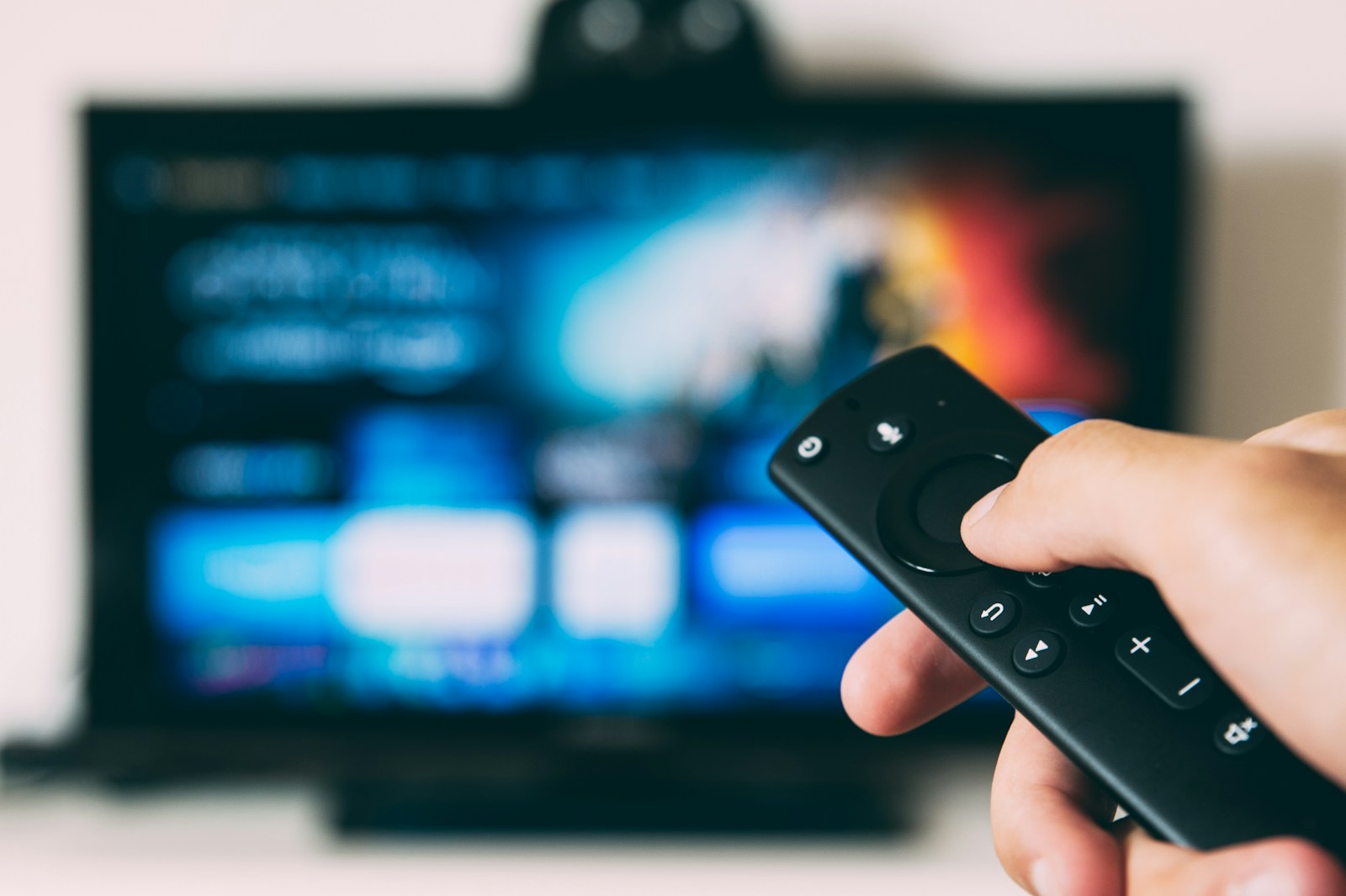
How to install Necro IPTV on Firestick (step-by-step)
Step 1: Enable apps from unknown sources
- From Firestick home, go to Settings → My Fire TV → Developer Options.
- Turn on Apps from Unknown Sources. Confirm the warning.
- (If you don't see Developer Options, go to Settings → My Fire TV → About → click “Fire TV Stick” 7 times.)
Step 2: Install the Downloader app
- From Firestick home, search for “Downloader”.
- Install it. Open it. Allow file storage permission.
Step 3: Install an IPTV player
Recommended: IPTV Smarters Pro or TiviMate. In Downloader, enter the official URL provided by the player's website and install the .apk.
Step 4: Connect Necro IPTV
- Open IPTV Smarters Pro.
- Choose “Add new user” or “Login with Xtream Codes API”.
- Enter the username, password, and server URL you received in your activation email.
- Wait 30 seconds for the channel list and EPG to load.
- Done — start watching.
Start Streaming with Necro IPTV — From $10.99/mo
Instant activation. 25,000+ channels. Works on Firestick, Smart TV, Android, iOS, MAG, and more.
Firestick IPTV troubleshooting cheatsheet
- Buffering on 4K streams — switch the player's hardware decoder to HW+ or Software, depending on which is smoother on your Firestick model.
- EPG missing — refresh EPG from the player's settings menu; if blank, your provider's EPG URL may be different from the M3U URL.
- Channels keep freezing — switch your Firestick to a wired Ethernet adapter ($15 on Amazon). Wi-Fi is the #1 buffering cause.
- App keeps closing — clear app cache: Settings → Applications → Manage Installed Applications → IPTV Smarters → Clear Cache.
Firestick IPTV FAQ
Does Necro IPTV work on Firestick 4K Max?
Yes. Fire TV Stick 4K Max is the recommended Firestick for 4K IPTV in 2026.
Can I use Necro IPTV on two Firesticks?
Yes, with a multi-device plan. Each Firestick counts as one device.
Is sideloading on Firestick safe?
Yes, provided you only install reputable players from their official sites. Stick to IPTV Smarters Pro, TiviMate, or IBO Player.
Verdict
Firestick + Necro IPTV is the fastest, cheapest way to access 25,000+ channels in HD and 4K. Total cost: ~$40 hardware + $10.99/month or $289 lifetime.
Start Streaming with Necro IPTV — From $10.99/mo
Instant activation. 25,000+ channels. Works on Firestick, Smart TV, Android, iOS, MAG, and more.