
IPTV Panel for Multiple Devices: The Complete Setup and Buying Guide
- An IPTV panel for multiple devices lets you stream one subscription simultaneously on up to 5 screens — TV, phone, tablet, and more.
- Necro IPTV supports Firestick, Android, iOS, Smart TVs (Samsung, LG, Sony), and MAG boxes under a single account.
- Plans start at $10.99/month for one device; multi-device tiers scale up to 5 simultaneous connections.
- A free trial is available — no credit card commitment required to test the full channel lineup.
- 25,000+ live channels and 60,000+ movies/series are included on every plan, regardless of device count.
- Lifetime access is a one-time payment option — no recurring billing, no auto-renewal on any plan.
What an IPTV Panel for Multiple Devices Actually Does
A proper iptv panel for multiple devices is a back-end control layer that ties multiple simultaneous streams to one subscription credential. You get one set of login details, and every authorized screen in your household pulls from the same account without stepping on each other. That's the core promise — and the reason it matters so much if you have a living room TV, a bedroom Fire Stick, and a teenager with a tablet all running at the same time.
How does it differ from just sharing a single-device login? A single-device login is throttled at the server level. The moment a second device authenticates, the first one drops or buffers hard. A genuine multi-device panel assigns concurrent stream slots — think of them as reserved lanes — so each device gets its own dedicated bandwidth allocation. The difference in practice is night and day.

I made the mistake of buying a cheap single-connection plan and trying to share it with my partner. We were watching different channels on different floors of the house, and every fifteen minutes one of us got kicked. Lesson learned: always buy the connection count you actually need, not the one that looks cheapest on the page.
The iptv multi device infrastructure behind a quality service handles authentication, load balancing, and failover automatically. You don't configure any of that. You just pick your device count when you subscribe, install the app, and enter your credentials.
Which Devices Are Compatible with a Multi-Device IPTV Plan
Compatibility is the first thing people get wrong. They assume "multi-device" means any device, but the reality is that the IPTV app has to exist for that platform — or the service has to support a universal protocol like M3U or Xtream Codes that a third-party player can read.
Necro IPTV covers the full spectrum of consumer devices. Here's the confirmed device list:
- Amazon Firestick / Fire TV — the most popular setup; sideload or install directly from the app store
- Android phones and tablets — native APK install, straightforward
- iOS (iPhone and iPad) — use a compatible player that accepts M3U playlists
- Smart TVs — Samsung, LG, and Sony are explicitly supported; Tizen and WebOS apps available
- MAG boxes — enter the portal URL in the MAG settings menu; done in under two minutes
Is a MAG box worth it over a Firestick? Depends on your use case. MAG boxes run a dedicated IPTV firmware, so there's less interference from background apps. Firestick is more versatile if you also use streaming apps like Prime Video. For pure IPTV performance, MAG is marginally more stable. For everyday mixed use, Firestick wins on convenience.
The necro iptv channel guide confirms you get access to 25,000+ live channels and 60,000+ VOD titles across every supported device — the content library doesn't shrink based on which hardware you use.
How the IPTV Multi-Device Pricing Structure Works
Pricing for a multi-device IPTV plan works on two axes: how many simultaneous connections you need, and how long a subscription you want. Get both right and you save significantly. Get them wrong and you either overpay or run out of streams at the worst moment.

Here's how Necro IPTV's pricing breaks down across subscription lengths for a single device — and why the annual plan is the obvious choice for most households:
| Plan Length | Total Price | Effective Monthly Cost | Savings vs Monthly |
|---|---|---|---|
| 1 Month | $10.99 | $10.99/mo | — |
| 3 Months | $25.99 | ~$8.66/mo | Save 21% |
| 6 Months | $39.99 | ~$6.67/mo | Save 39% |
| 12 Months | $49.99 | ~$4.17/mo | Save 62% |
| Lifetime | $289 (1 device) | One-time | Pay once, watch forever |
The iptv lifetime option at $289 for one device — scaling to $797 for five devices — makes financial sense if you've already tested the service and know you'll use it long-term. No renewals, no price increases, no annual billing reminders. One payment and you're done.
Crucially, none of these plans auto-renew. You manually renew when you're ready. That's a meaningful difference from most subscription services that quietly charge your card every year.
Setting Up Your IPTV Panel on Every Device in the House
Setup is where people waste the most time — usually because they're following outdated guides written for a different service. Here's what actually works across the most common devices.

Amazon Firestick
Enable "Apps from Unknown Sources" in the Firestick developer settings. Use the Downloader app to pull the APK from the URL Necro IPTV provides after purchase. Enter your M3U URL or Xtream Codes credentials. The entire process takes under five minutes if you've done it once before.
Android Phones and Tablets
Download the APK directly. Android's open ecosystem means no sideloading hoops — just allow installs from the browser when prompted. Use a player like TiviMate if you want a polished EPG (electronic program guide) experience. TiviMate's EPG layout alone is worth the extra step.
Smart TVs
Samsung and LG have their own app stores. Search for your IPTV player there first. If it's not listed, use the Smart TV's browser to download the APK directly — this works on most Android TV-based sets. Sony TVs running Android TV follow the same process as an Android device.
MAG Boxes
Navigate to Settings → System Settings → Servers → Portals. Enter the portal URL from your Necro IPTV account panel. Save and restart. The MAG box authenticates by MAC address, so make sure the MAC address registered in your account matches the one printed on the box.
One thing I wish someone had told me earlier: always set your player's buffer size to at least 5,000ms if you're on a connection slower than 50 Mbps. The default buffer on most players is too small for 4K streams and causes unnecessary stutter even when your internet is technically fast enough.
How Many Simultaneous Streams Do You Actually Need
This is the question most buyers underestimate. Count every screen that might be active during peak hours — not just the ones you use most. Friday night, when everyone's home, is your real benchmark.

A typical four-person household breaks down like this:
- Living room TV — almost always in use during evenings
- Master bedroom TV or tablet — sports, news, or a different show
- Kid's room tablet or phone — cartoons or on-demand movies
- Spare room or home office screen — background news or a second game
That's four streams right there. If a fifth person or a guest ever joins, you need the fifth slot. The iptv lifetime plans scale from one device all the way to five, so you're not locked into a number you can't change.
My honest advice: if you're between two tiers, go one higher. The price difference between a 3-device and a 4-device plan is small. The frustration of hitting your stream limit on a Saturday night is not small.
Also worth noting — the iptv multi device satisfaction guarantee means you're not taking a blind risk. Test the service first with the free trial before committing to a higher device tier.
Content Quality and Channel Depth Across All Devices
Does channel quality change depending on which device you use? No — the stream quality is determined by the server and your internet connection, not the device. A 4K stream on a MAG box pulls from the same server as a 4K stream on a Firestick. The device only affects how well it can decode and display the signal.
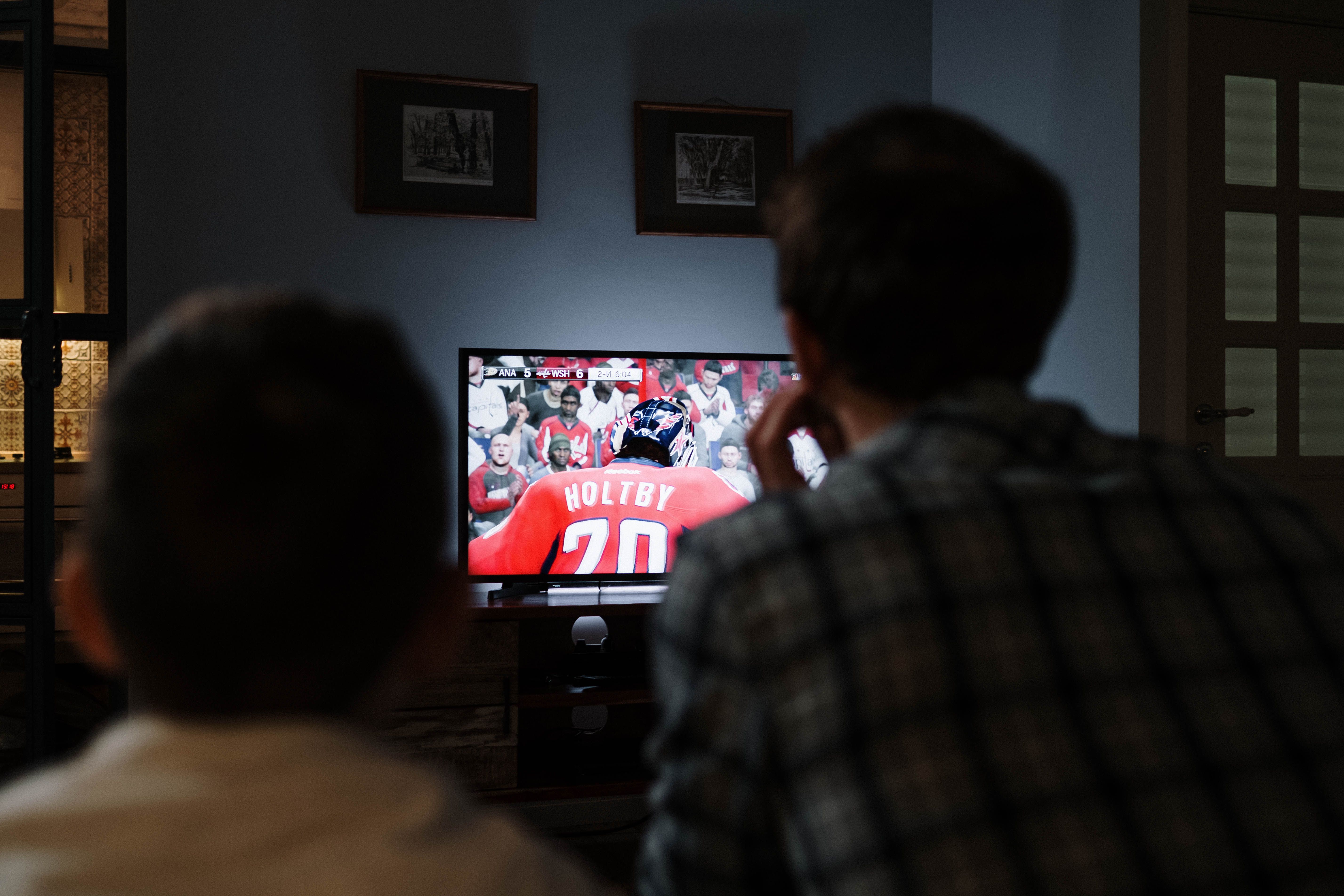
Necro IPTV's content library is genuinely large. The channel breakdown across categories gives a clear picture of what's available:
- Entertainment: 5,000+ channels
- Sports: 1,500+ channels — live matches, regional leagues, combat sports
- News: 800+ channels from global broadcasters
- Movies (live channels): 3,000+ dedicated movie channels
- Kids and Family: 1,200+ channels
- Documentaries: 900+ channels
- Music: 600+ channels
- International: 12,000+ channels covering dozens of languages and regions
The international category alone — 12,000+ channels — is what separates this from a generic cable replacement. If you have family members who watch content in Arabic, Hindi, Portuguese, or any other language, the depth here is real. I've personally used the international section to follow leagues that no domestic broadcaster carries.
The VOD library adds 60,000+ movies and series on top of the live channels. That's not a marketing number padded with obscure titles — there's genuine depth in recent releases and classic catalog content alike.
Internet Speed Requirements for Running Multiple IPTV Streams
Running an iptv panel for multiple devices puts real load on your home internet connection. Most people focus on per-device requirements but forget that all streams share the same pipe. Here's the math you need to know before you buy a 5-device plan.

Per-stream bandwidth requirements by quality tier:
- SD (480p): 3–5 Mbps per stream
- HD (720p/1080p): 8–15 Mbps per stream
- 4K (2160p): 25–35 Mbps per stream
So if you're running three HD streams simultaneously, you need at least 45 Mbps of reliable throughput — not just peak speed, but sustained speed. Most modern broadband plans handle this fine. The issue is usually Wi-Fi, not the ISP connection. Devices far from the router on a congested 2.4 GHz band will buffer even on a 200 Mbps plan.
The fix is straightforward: connect your primary TV via Ethernet if possible, and push all IPTV devices to the 5 GHz Wi-Fi band. This single change eliminates the majority of buffering complaints I see from people who assume the service is at fault.
Also, use a wired connection for your router's DNS if you can. Slow DNS resolution adds latency to every channel change and EPG load — it's not dramatic, but it's noticeable when you're flipping through 25,000 channels. Set your DNS to 1.1.1.1 or 8.8.8.8 and the channel-switching speed improves measurably.
Why Necro IPTV Stands Out for Multi-Device Households
There are dozens of IPTV services making similar claims. What separates a reliable multi-device provider from one that collapses under household load? Three things: server infrastructure, honest device tier limits, and support that actually responds.
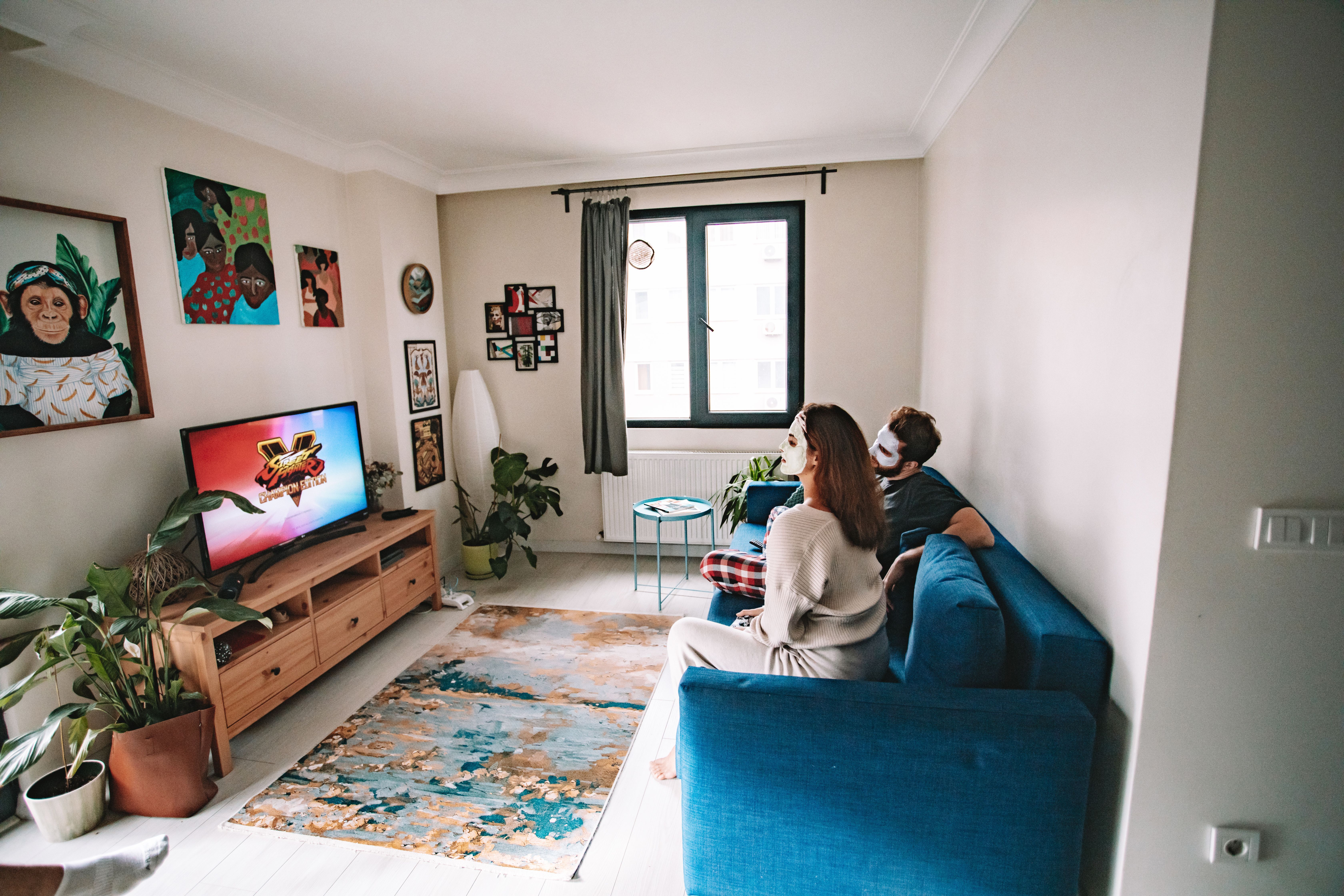
Necro IPTV runs enterprise-grade servers — not reseller panels layered on top of someone else's infrastructure. That distinction matters because reseller services have no control over uptime or stream quality during peak hours. A direct provider can actually fix problems instead of just forwarding your complaint upstream.
The 24/7 support is included on every plan, including the $10.99 monthly entry tier. That's not a premium add-on. If you hit a setup issue at 11 PM on a Sunday, you have someone to contact.

The free trial option is also genuinely useful here. Before you commit to a 3-device or 5-device plan, run the trial on your actual hardware in your actual home. Test the channels you care about. Check sports streams during a live match — that's when server load peaks and quality separates good services from bad ones.

For households that want to lock in a long-term solution, the iptv lifetime plan at a single one-time payment is genuinely compelling. Pay once, never think about renewal, and keep access to every content update and channel addition that comes after your purchase date. For a five-device household, $797 spread over even three years works out to less than $22 per month for the whole family — well below what most cable packages charge for a single room.
The bottom line: if you're managing an iptv panel for multiple devices across a real household, the combination of device flexibility, content depth, and transparent pricing makes Necro IPTV a genuinely competitive choice worth testing before you commit to anything else.
Frequently Asked Questions
Can I use one Necro IPTV subscription on different types of devices at the same time?
Yes. Your subscription covers simultaneous streams across any mix of supported devices — Firestick, Android, iOS, Smart TV, and MAG box can all run concurrently under one account, as long as you don't exceed your purchased connection limit. You don't need separate accounts for different device types.
What happens if I exceed my simultaneous stream limit?
The server blocks the additional connection attempt. The existing active streams continue unaffected. You'll see an authentication error on the device that tried to connect over the limit. The fix is either to close an active stream on another device or upgrade to a higher device tier through your account panel.
Does the 4K content work on all compatible devices?
4K streams require both a device capable of decoding 4K video and an internet connection with at least 25 Mbps of sustained throughput per 4K stream. The content is available on every plan — there's no separate 4K tier. The limiting factor is always your hardware and connection, not the subscription level.
Is there a free trial before I commit to a paid plan?
Yes, Necro IPTV offers a free trial that gives you access to the full channel lineup including 25,000+ live channels and the VOD library. It's the best way to verify compatibility with your specific devices and test stream quality on your home network before purchasing any paid plan.
Do IPTV plans auto-renew at the end of the billing period?
No. None of the Necro IPTV plans — monthly, quarterly, semi-annual, or annual — auto-renew. You renew manually when you choose to. The lifetime plan is a one-time payment with no renewal required at any point. This applies to all device tiers from one to five connections.
What internet speed do I need to run five simultaneous HD streams?
For five simultaneous 1080p HD streams, budget at least 75 Mbps of sustained throughput. In practice, 100 Mbps is a comfortable buffer that accounts for other household internet usage running at the same time. For 4K streams, multiply by roughly 3x per stream and plan your connection accordingly.
Necro IPTV Pricing
Pick a plan and start streaming today
25,000+ live channels · 60,000+ movies & series · HD & 4K · Works on every device.
Choose number of simultaneous devices
All prices in USD · No auto-renewal · 24/7 support
Want to pay once? See lifetime plans →Related Articles

IPTV Multi Connection: How to Stream on Multiple Devices Without Killing Your Picture Quality
IPTV multi connection plans let the whole household watch at once. See how Necro IPTV handles up to 5 simultaneous streams in HD and 4K from $12.99 a month.
12 min read
Necro IPTV 2026: The Complete Guide to Channels, Pricing, and Setup
Necro IPTV 2026 delivers 25,000+ live channels and 60,000+ movies from $10.99/mo. Discover plans, device setup tips, and why it leads the IPTV market.
11 min read
IPTV Subscription for Multi Devices: The Complete Guide to Multi Device IPTV
IPTV subscription for multi devices made simple — Necro IPTV offers 25,000+ channels, 60,000+ VOD titles, and plans from $12.99/mo. Start your free trial today.
13 min read
IPTV Romania: Romanian TV for Romanians Living Abroad in 2026
IPTV for Romanians abroad: watch Pro TV, Antena 1, Digi Sport and Liga 1 live from Italy, Spain, Germany or the UK. Channels, setup and prices from $12.99.
9 min read