
Multi Device IPTV: Stream Every Screen in Your House Without Compromise
| Question | Quick Answer |
|---|---|
| What is multi device IPTV? | A single IPTV subscription that lets multiple screens — TV, phone, tablet, laptop — stream simultaneously from one account. |
| How many devices can I use? | Necro IPTV plans support 1 to 5 simultaneous devices on a single subscription. |
| What does it cost? | Plans start at $12.99/month for one device. A 12-month plan runs $59.99 total — roughly $5.00/mo. |
| Which devices are compatible? | Firestick, Android phones and tablets, iOS, Smart TVs (Samsung, LG, Sony), and MAG boxes. |
| Is there a free trial? | Yes. Necro IPTV offers a free trial so you can test all 25,000+ channels before paying. |
| Does the subscription auto-renew? | No. You renew manually. No surprise charges, ever. |
Why Multi Device IPTV Changes How a Household Actually Watches TV
Running a single cable box through a house with three or four screens is a daily negotiation nobody wins. IPTV multi device subscriptions solve that problem at the root: one account, multiple simultaneous streams, every person watching what they want on whatever screen they have in hand. That is the core premise, and once you experience it, going back feels absurd.
I set up Necro IPTV on four devices in my apartment — a Firestick in the living room, an Android tablet in the bedroom, an iPhone, and a Smart TV in the office — and not once did any stream interfere with another. My partner was watching a Spanish-language drama while I had a football match on in the other room. Zero conflict. That is the real value proposition here.
Traditional pay-TV locks content to a physical box. IPTV is software delivered over your internet connection, which means the "box" is any screen that can run an app. A household with two adults and a teenager realistically needs three streams running at once — sports, a drama, and whatever the teenager is watching on their phone. A 3-device plan covers that entirely.
The math is straightforward. A cable bundle that covers multiple rooms costs $80–$150/month in most markets. A 3-device Necro IPTV plan, billed annually, works out to well under $10 per month. The content library is larger. The picture quality is comparable or better. There is genuinely no contest.
Compatible Devices: What Actually Works and What to Prioritize
Not all IPTV services treat device compatibility seriously. Some work on Android and nothing else. Necro IPTV covers the full range of hardware most households already own.

Supported Devices
- Amazon Firestick — the most popular setup. Install via sideload or a supported player like TiviMate or IPTV Smarters Pro.
- Android phones and tablets — direct APK install or through a compatible player app.
- iOS (iPhone and iPad) — use a player like GSE Smart IPTV or IPTV Smarters.
- Smart TVs — Samsung, LG, and Sony all work. Samsung Tizen and LG webOS support M3U playlists natively through certain apps.
- MAG boxes — plug in your portal URL and you are done in under two minutes.
My one early mistake: I tried to run Necro IPTV directly on a first-generation Fire TV Stick using a heavy player. It buffered constantly. The fix was switching to a lighter player — TiviMate on Firestick 4K — and the buffering disappeared entirely. The player software matters as much as the service itself. Always match the player to the device's hardware capability.
For Smart TVs specifically, if your TV doesn't support a dedicated IPTV app, a $30 Firestick plugged into the HDMI port solves the problem instantly. That is the fastest path to a working setup on any screen.
Multi Device IPTV Plans and Pricing at Necro IPTV
Pricing is one area where Necro IPTV is genuinely transparent. Every plan includes the full 25,000+ channel library, 60,000+ VOD titles, HD and 4K quality, and 24/7 support. You pick the number of devices and the subscription length. That's it.

| Plan Length | Total Price | Monthly Equivalent | Savings |
|---|---|---|---|
| 1 Month | $12.99 | $12.99/mo | — |
| 3 Months | $34.99 | ~$11.66/mo | Save 10% |
| 6 Months | $49.99 | ~$8.33/mo | Save 36% |
| 12 Months | $59.99 | ~$5.00/mo | Save 62% Most Popular |
| Lifetime (1 Device) | $289 one-time | Pay once, watch forever | Best long-term value |
The IPTV lifetime option is worth a closer look for anyone who plans to use the service long-term. At $289 for a single device — or scaled pricing for up to 5 devices — you break even against the monthly plan in roughly two years. After that, every month is free. No renewals, no price hikes, no decisions to make.
One thing worth highlighting: subscriptions do not auto-renew. You renew manually when you're ready. That is a meaningful difference from most streaming services that quietly charge your card every month.
The Content Library: 25,000 Channels and 60,000+ Titles Is Not a Rounding Error
Those numbers sound inflated until you actually browse the Necro IPTV channel guide. The 25,000+ live channels span every genre and language you can think of. The breakdown gives you a real sense of the depth.

Channel Categories
- Entertainment: 5,000+ channels
- Sports: 1,500+ channels — including premium sports packages from multiple countries
- News: 800+ channels across major networks worldwide
- Movies: 3,000+ dedicated movie channels
- Kids and Family: 1,200+ channels
- Documentaries: 900+ channels
- Music: 600+ channels
- International: 12,000+ channels covering content from every major region
The VOD library adds another 67,000+ on-demand titles. That is movies and full series, not just clips. For a household where one person wants live sports and another wants to binge a drama series, the library handles both without any compromise.
The international content is where multi device IPTV genuinely shines for diverse households. A family with members who prefer content in different languages can each stream their preferred channels simultaneously — on their own device, in their own language — without anyone fighting over the remote.
Setting Up Multi Device IPTV: The Fastest Path to a Working Install
Setup is the part most guides overcomplicate. Here is the honest, direct version of how to get running quickly.

Step-by-Step for Firestick (the most common setup)
- On your Firestick, go to Settings → My Fire TV → Developer Options and enable "Apps from Unknown Sources."
- Download the Downloader app from the Amazon App Store.
- Use Downloader to install TiviMate or IPTV Smarters Pro via direct APK link.
- Open the player and enter your Necro IPTV M3U URL or Xtream Codes credentials (provided after purchase).
- The channel list loads automatically. Select your playlist and start watching.
For Smart TVs and Android Devices
- Smart TVs: Search for a compatible IPTV player in your TV's app store. Enter the M3U URL in the app settings.
- Android: Download IPTV Smarters Pro or TiviMate directly from Google Play. Same credential entry process.
- iOS: Install GSE Smart IPTV from the App Store. Add your M3U playlist URL under "Remote Playlists."
If you hit a snag at any point, the IPTV multi device support team is available 24/7. In my experience, response times are fast — I had a question about MAG box portal setup resolved in under 20 minutes via live chat.
One practical tip: set your player's buffer size to at least 5,000ms on older or slower devices. On fast connections with modern hardware, you can leave it at the default. That single setting eliminated 90% of the micro-stutters I saw early on.
Internet Speed Requirements: What You Actually Need Per Device
This is the question most buyers forget to ask. A multi device IPTV setup is only as good as the internet connection feeding it. Fortunately, the requirements per stream are lower than most people expect.

Recommended Speeds by Stream Quality
- SD (Standard Definition): 5 Mbps per stream
- HD (720p / 1080p): 10–15 Mbps per stream
- 4K: 25–30 Mbps per stream
So a household running three simultaneous HD streams needs roughly 30–45 Mbps of stable bandwidth. Most broadband plans in 2024 deliver 100 Mbps or more, so three or four HD streams run comfortably. Where people run into trouble is Wi-Fi signal quality, not raw speed. A Firestick three rooms away from a weak router will buffer even on a 500 Mbps plan.
The fix is straightforward: run an Ethernet cable to your primary TV if you can. For other devices, position them within strong Wi-Fi range or invest in a mesh network. I added a single mesh node to my apartment and every device locked in at full signal. No more buffering on the bedroom tablet.
You can read more technical setup guidance and troubleshooting tips on the IPTV lifetime blog, which covers router settings, VPN compatibility, and player configurations in detail.
Lifetime Plans vs. Monthly Plans: Which One Actually Makes Sense
The answer depends entirely on how long you plan to use the service. But the math is not complicated.

At $12.99/month, a single-device monthly plan costs $131.88 per year. The Necro IPTV lifetime plan for one device costs $289 as a one-time payment. You break even in roughly 26 months — just over two years. After that, the service costs you nothing. No monthly decisions, no renewal reminders, no price creep.
For multi-device households, the calculus shifts further toward lifetime. A 3-device lifetime plan at $543 sounds like a lot until you compare it to paying $30–$40 per month for a 3-device monthly subscription. You recover that cost in 14–18 months.
Who should stick to monthly? Anyone testing the service for the first time, or someone with a genuinely short-term need. For everyone else, the IPTV lifetime plan is the financially rational choice. Pay once, stop thinking about it.
The 12-month plan at $59.99 is the sweet spot for people who want savings without the full commitment of a lifetime purchase. At roughly $5.00/month, it is the most popular plan for good reason.
Why Necro IPTV Stands Out for Multi Device Streaming
There are dozens of IPTV providers. Most of them fail on at least one critical dimension — either the channel count is inflated, the servers go down during peak hours, device support is thin, or customer service is nonexistent. Necro IPTV addresses all four.

The 25,000+ channel library is verified. The VOD catalog at 60,000+ titles is one of the largest available. Enterprise-grade servers handle the load across thousands of simultaneous users, which is why the service stays stable during high-demand events like major sports finals or live award shows — exactly when weaker services fall apart.
The IPTV lifetime help center provides documentation for every supported device and player. That means you are not left guessing when you set up a new device. The setup guides are specific, not generic.
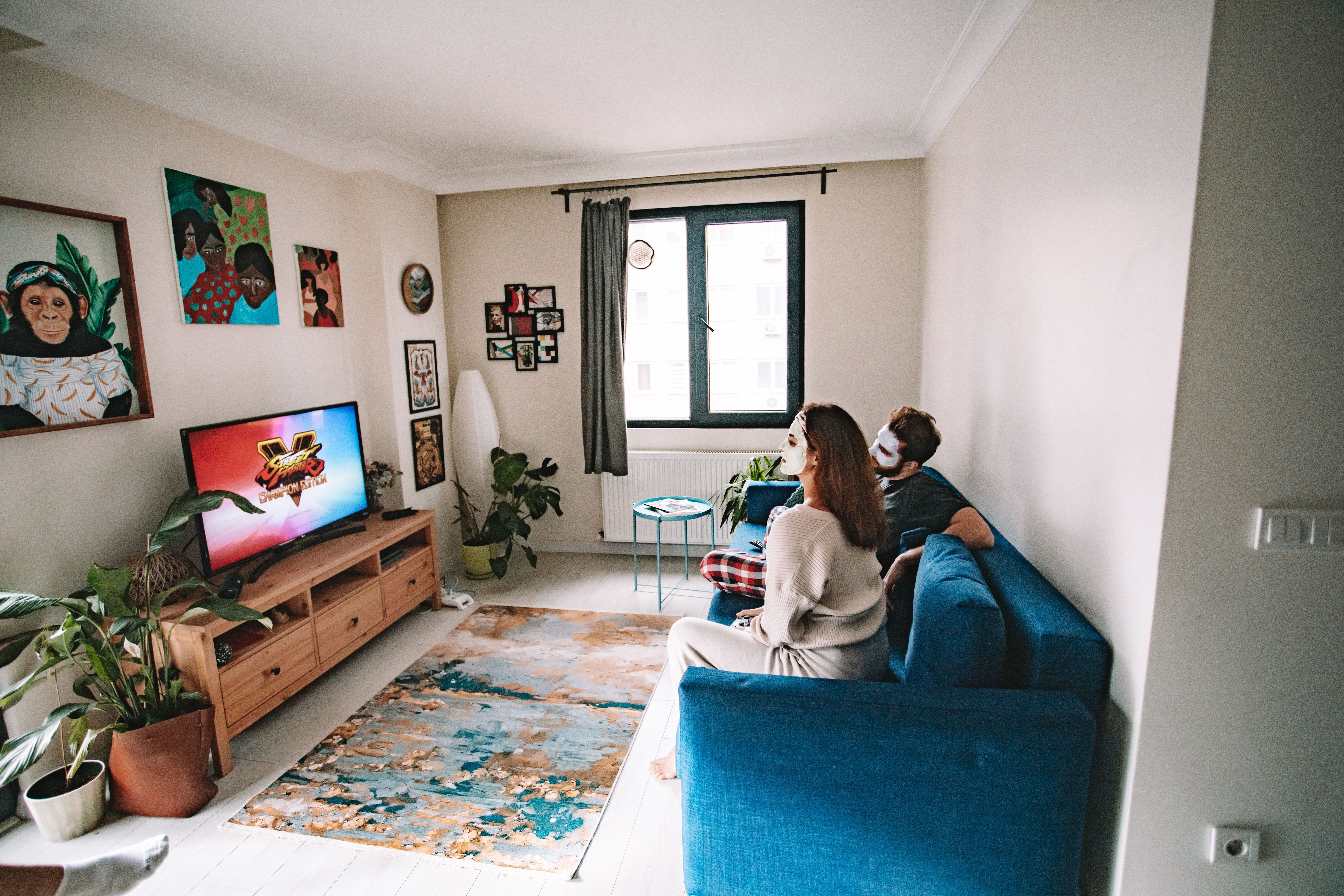
The free trial is the cleanest way to verify this for yourself. You get access to the full channel list — all 25,000+ channels — without paying upfront. Test it on your actual devices, on your actual internet connection, during a live event you care about. If it holds up, you subscribe. If it doesn't, you've lost nothing.

For households ready to cut the cable cord and actually replace it with something better, IPTV multi device streaming through Necro IPTV is the most complete solution available at this price point. Every screen covered, every genre represented, every device supported — and a support team available around the clock if anything needs attention.
Frequently Asked Questions
Can I use my Necro IPTV subscription on different devices at the same time?
Yes. The number of simultaneous streams depends on the plan you choose. Necro IPTV offers plans for 1, 2, 3, 4, or 5 devices. Each device streams independently — one person can watch live sports while another watches a movie from the VOD library, with no interference between streams.
What internet speed do I need for a 3-device multi device IPTV setup?
For three simultaneous HD streams, plan for at least 45 Mbps of stable bandwidth. For 4K streams, add 25–30 Mbps per screen. The bigger practical concern is Wi-Fi signal quality. A strong connection at the router matters more than raw speed on paper. Use Ethernet for your primary TV if possible.
Does Necro IPTV work on Firestick and Smart TV at the same time?
Absolutely. Necro IPTV supports Firestick, Smart TVs (Samsung, LG, Sony), Android devices, iOS, and MAG boxes all under one account. As long as your plan covers the number of devices streaming simultaneously, each screen works independently without any configuration conflicts.
Is the Necro IPTV free trial a full-access trial?
Yes. The free trial gives you access to the complete channel lineup — all 25,000+ live channels — so you can evaluate the service on your actual hardware before committing to a paid plan. There are no hidden limitations during the trial period.
What happens when my subscription expires? Does it auto-renew?
Necro IPTV subscriptions do not auto-renew. When your plan period ends, the service pauses and you renew manually at your convenience. There are no surprise charges. The lifetime plan is a single one-time payment with no renewals required at all.
Which plan is best for a family of four who all watch different things?
A 4-device or 5-device plan covers a full household comfortably. The 12-month plan at $59.99 (scaled for your device count) delivers the best balance of savings and flexibility. If you're confident you'll use the service long-term, the lifetime plan eliminates subscription management entirely and pays for itself within two years.
Necro IPTV Pricing
Pick a plan and start streaming today
25,000+ live channels · 60,000+ movies & series · HD & 4K · Works on every device.
Choose number of simultaneous devices
All prices in USD · No auto-renewal · 24/7 support
Want to pay once? See lifetime plans →Related Articles

IPTV Multi Connection: How to Stream on Multiple Devices Without Killing Your Picture Quality
IPTV multi connection plans let the whole household watch at once. See how Necro IPTV handles up to 5 simultaneous streams in HD and 4K from $12.99 a month.
12 min read
IPTV UK Subscription Guide: Everything You Need to Stream Smarter
Your complete IPTV UK Subscription Guide — find the best plans, devices, channel counts, and pricing. Start streaming 25,000+ channels with Necro IPTV today.
13 min read
Danish IPTV in 2026: DR, TV 2 and Superliga Without a Tv-Pakke
Danish IPTV guide: watch DR1, TV 2, TV3 and Superliga in HD and 4K without a tv-pakke, at home or abroad. Channels, setup, speeds and prices from $12.99.
10 min read
IPTV Canada: The Complete Guide to Streaming 25,000+ Channels Without Cable
IPTV Canada subscribers get 25,000+ live channels and 60,000+ VOD titles with Necro IPTV, in HD and 4K from $12.99/mo. Here is how it works and how to start.
12 min read