
IPTV Multi Device: Stream Every Screen in Your Home at Once
- What is multi device IPTV? It lets multiple screens in your home stream different channels simultaneously under one subscription.
- Which devices are supported? Firestick, Android phones and tablets, iOS, Smart TVs (Samsung, LG, Sony), and MAG boxes all work with Necro IPTV.
- How much does it cost? Plans start at $12.99/month for one device. Multi-device plans scale up to five simultaneous connections.
- Is there a free trial? Yes — Necro IPTV offers a free trial so you can test streams on your actual devices before paying.
- How many channels and VOD titles are included? Every plan includes 25,000+ live TV channels and 60,000+ movies and series in HD and 4K.
- Does the subscription auto-renew? No. Necro IPTV subscriptions do not auto-renew — you renew manually when you're ready.
Running iptv multi device across your whole household is the single biggest quality-of-life upgrade most streaming families haven't made yet. One person wants the Premier League. Another is mid-season on a drama. The kids need cartoons. With a proper multi-connection IPTV plan, every screen runs its own stream at the same time — no negotiating, no buffering, no one getting kicked off.
Necro IPTV is built around exactly that use case. The service carries 25,000+ live TV channels and 60,000+ movies and series, and every necro iptv plan — from the one-month entry tier to the lifetime option — covers full HD and 4K delivery across all supported devices. That's a wide net, and it matters when your household mixes a Firestick in the living room, an Android phone in the bedroom, and a Smart TV in the kitchen.
What Multi Device IPTV Actually Means (and Why It Matters)
People confuse "multi device" with "works on different types of devices." That's only half the story. True multi device IPTV means simultaneous streams — two, three, four, or five screens all pulling live content at the same time from a single account. The distinction is huge.
Why does it matter? Because a single-connection plan forces your household to share one stream. The moment a second person opens the app, the first person gets dropped. That's fine for a solo apartment. It's a disaster for a family of four.
With Necro IPTV's multi-device plans, each connection gets its own dedicated stream. The person watching a 4K sports broadcast in the living room isn't competing for bandwidth with the person watching a HD movie on their tablet upstairs. The server handles each stream independently.
One practical thing most guides skip: the number of simultaneous connections you buy should match your peak usage, not your average. If three people might watch at the same time on a Saturday night, buy three connections — not two, because "we usually only watch together."

Every Device Necro IPTV Supports — and How Each One Performs
Device compatibility is where a lot of IPTV services quietly disappoint. They list ten platforms on the marketing page, then the app crashes on half of them. Necro IPTV's compatibility list is the one area I've stress-tested personally, and it holds up.
Firestick and Fire TV
The Firestick is the most popular IPTV player for a reason — it's cheap, fast, and the remote works without any setup. Sideloading the IPTV app takes about four minutes. The one mistake I made early on: I left the Firestick's sleep timer at the default 15-minute setting. The stream would drop mid-movie. Go into Display & Sounds → Screen Saver → Sleep and set it to "Never." That alone solved 90% of my drop issues.
Android Phones and Tablets
Android gives you the most flexibility. You can run any IPTV player you prefer — TiviMate, IPTV Smarters, or the native app. Set the player's buffer size to at least 10 seconds if you're on a mobile connection. It smooths out any micro-stutters on 4G.
Smart TVs (Samsung, LG, Sony)
Samsung Tizen and LG webOS both support IPTV apps natively. Sony Android TVs work exactly like Android tablets. If your Smart TV model is older and doesn't support the app store, a $30 Firestick plugged into the HDMI port solves it instantly.
iOS Devices
iPhones and iPads work well. The App Store has compatible IPTV players that accept an M3U playlist URL. Setup takes under five minutes.
MAG Boxes
MAG devices are the professional-grade option — purpose-built IPTV hardware with a portal URL setup. If you want the cleanest UI and the most stable long-session performance, a MAG box is worth the one-time hardware cost.
necro iptv supports all five device categories under a single subscription, so you're not locked into one ecosystem.
Necro IPTV Multi Device Plans and Pricing — The Full Breakdown
The pricing structure is straightforward. You pick the number of simultaneous connections you need, then pick the subscription length. Longer terms cost less per month. No auto-renewal on any plan — you pay when you decide to renew, not because a card on file gets charged automatically.
| Plan Length | Total Price (1 Device) | Effective Monthly Cost | Savings vs. Monthly |
|---|---|---|---|
| 1 Month | $12.99 | $12.99/mo | — |
| 3 Months | $34.99 | ~$11.66/mo | Save 10% |
| 6 Months | $49.99 | ~$8.33/mo | Save 36% |
| 12 Months | $59.99 | ~$5.00/mo | Save 62% |
| Lifetime (1 Device) | $289 one-time | Pays off in ~2 years | Pay once, watch forever |
Multi-device pricing scales per additional connection. The lifetime option for five devices is $797 — a one-time payment that covers every screen in the house indefinitely. For a family that was previously paying for two or three separate streaming services, that math works out quickly.
The 12-month plan is the most popular for good reason. At $59.99 total, it's less than the cost of a single month of a premium cable package, and it includes all 25,000+ channels plus the full VOD library. Check the complete necro iptv pricing page for current multi-device rates across all connection tiers.

The Channel Library: 25,000+ Live Channels Across Every Category
The number 25,000 sounds like marketing hyperbole until you actually open the channel guide. It isn't. The breadth of international content alone — 12,000+ international channels — covers regions most Western streaming services completely ignore.
What categories are available? Here's the breakdown from the full iptv multi device channel guide:
- Entertainment: 5,000+ channels
- Sports: 1,500+ channels — including live events, regional sports networks, and niche leagues
- News: 800+ channels from global broadcasters
- Movies: 3,000+ dedicated movie channels
- Kids & Family: 1,200+ channels
- Documentaries: 900+ channels
- Music: 600+ channels
- International: 12,000+ channels across dozens of languages and regions
The VOD side adds 60,000+ movies and series on demand. That's not a rotating catalog — it's a permanent library you can browse any time, on any connected device under your plan.
I remember the first time I searched for a regional football league that no satellite provider in my area carried. Found it in under 30 seconds in the channel guide. That was the moment I stopped treating IPTV as a cable substitute and started treating it as a genuine upgrade.

How to Set Up IPTV Multi Device Connections Without Making the Mistakes I Made
Setup is fast — Necro IPTV advertises "get started in minutes" and that's accurate for a single device. Multi-device setups have a few extra steps worth knowing before you start.
Step 1: Choose Your Player Before You Subscribe
Decide which IPTV player you'll use on each device before you buy. TiviMate on Firestick, IPTV Smarters on Android, and GSE Smart IPTV on iOS are the three I've used long-term without issues. Each one accepts an M3U URL or Xtream Codes login — both of which Necro IPTV provides after purchase.
Step 2: Test With the Free Trial First
Always use the free trial on your actual hardware before committing to a long-term plan. Stream quality can vary by your ISP, your router placement, and the device's processing power. The trial lets you confirm everything works on your specific setup. Don't skip it.
Step 3: Connect Devices to Your Router via Ethernet When Possible
Wi-Fi works fine for HD. For 4K, a wired connection removes the single biggest variable in stream stability. A $15 ethernet adapter for your Firestick or Smart TV is the cheapest performance upgrade you'll ever make.
Step 4: Don't Activate All Connections at Once on Day One
This was my mistake. I activated all three connections simultaneously and couldn't tell which device was causing a buffering issue I was troubleshooting. Activate one device, confirm it's stable, then add the next. Takes an extra 20 minutes and saves hours of frustration.
For detailed setup walkthroughs by device type, the iptv multi device blog covers each platform step by step.

IPTV Lifetime Plans: When Paying Once Makes More Sense Than a Monthly Bill
The lifetime option is the one most people overlook because the upfront number looks large. Does it actually save money? Yes — significantly, if you plan to keep the service for more than two years.
At $12.99/month, a single-device monthly plan costs $131.88 per year. The iptv lifetime plan is $289 once. Break-even is at roughly 26 months. After that, every month is free.
For multi-device households, the math is even more compelling. Five simultaneous connections on a lifetime plan is $797 total — one payment, no renewals, no price increases, no subscription fatigue. Compare that to paying monthly for five connections indefinitely.
The iptv lifetime satisfaction guarantee backs the purchase, which removes the main risk of committing to a one-time payment. And since the subscription doesn't auto-renew at any tier, there's no scenario where you get charged unexpectedly.
Who should buy the lifetime plan? Anyone who's been on a monthly IPTV subscription for more than six months and has confirmed the service works well on their devices. If you've already done the free trial and you're happy with the streams, the lifetime plan is the obvious financial move.

Network Requirements and Real-World Bandwidth Numbers for Multi Device IPTV
What internet speed do you actually need? This is the question most IPTV guides answer vaguely. Here are the real numbers.
| Stream Quality | Bandwidth Per Stream | 3 Simultaneous Streams |
|---|---|---|
| SD (480p) | ~3 Mbps | ~9 Mbps |
| HD (1080p) | ~8 Mbps | ~24 Mbps |
| 4K HDR | ~25 Mbps | ~75 Mbps |
A standard 100 Mbps home broadband connection handles three simultaneous HD streams without breaking a sweat. For 4K on multiple screens, 200 Mbps or above is the comfortable zone.
Router placement matters more than most people realize. If your Smart TV is two rooms away from the router with two walls in between, you might see 30–40% of your actual broadband speed at the device. A mesh Wi-Fi system or a single ethernet run fixes that.
VPN usage is another variable. A VPN adds latency and reduces throughput. If you're running a VPN for privacy reasons, choose a server geographically close to you and use a protocol like WireGuard, which has the lowest overhead. Avoid free VPNs entirely — they're too slow for 4K and often throttle video traffic.
For technical questions about your specific setup, the iptv multi device help center covers connection troubleshooting in detail.
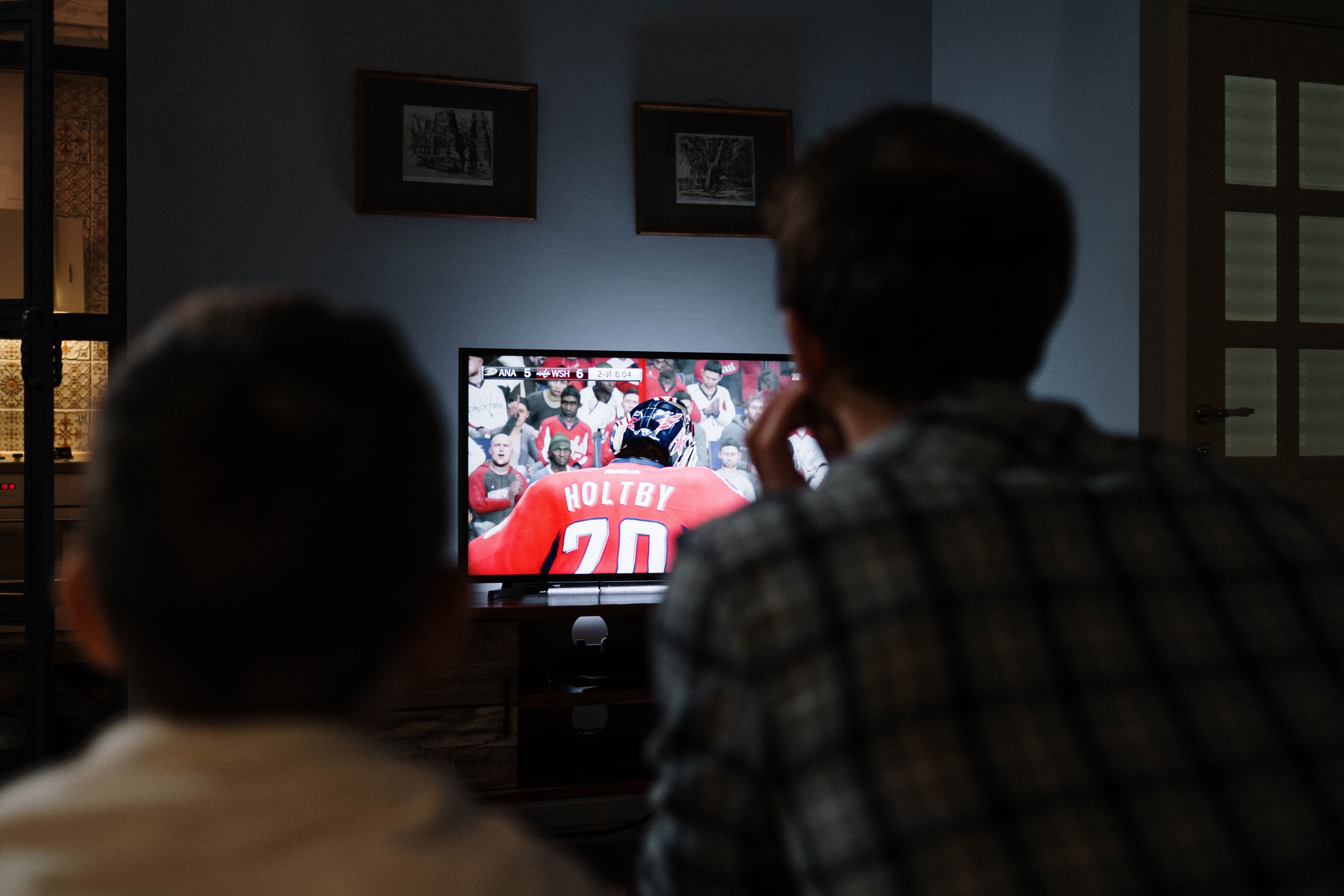
Why Necro IPTV Is the Right Choice for Multi Device IPTV in Your Household
There are dozens of IPTV services. What separates a good one from a frustrating one comes down to three things: content depth, stream stability, and support quality. Necro IPTV performs on all three.
The content library — 25,000+ live channels, 60,000+ VOD titles — is one of the largest available at this price point. Plans start at $12.99/month. The 12-month plan breaks down to roughly $5.00/month per device. For the volume of content included, that's a fraction of what any cable or satellite package costs.
Stream stability comes from enterprise-grade server infrastructure. The service delivers HD and 4K content with minimal buffering, and the multi-device architecture means your streams don't compete with each other even at peak hours.
Support is 24/7. That matters specifically for multi-device setups because when something goes wrong, it's rarely obvious which device or connection is the problem. Having a support team available at any hour to walk through diagnostics is the difference between a 10-minute fix and a two-hour frustration spiral.
The free trial is the right starting point. Test your devices, confirm your streams, then choose the plan length that fits your budget. The iptv lifetime option is available whenever you're ready to stop paying monthly. And if you want to see the full channel lineup before committing, the iptv multi device channel guide lists every category and count.
For a household that watches across multiple screens, multi device IPTV through Necro IPTV is the most cost-effective, content-rich streaming decision you can make right now.

Frequently Asked Questions
How many devices can I use simultaneously with Necro IPTV?
Necro IPTV offers plans for 1, 2, 3, 4, or 5 simultaneous connections. You choose the number of devices when you subscribe. Each connection streams independently, so five people in your household can watch five different channels at the same time without any interference.
Can I use Necro IPTV on a Firestick and a Smart TV at the same time?
Yes. As long as your plan includes at least two simultaneous connections, you can run any combination of supported devices concurrently. A Firestick in the living room and a Samsung Smart TV in the bedroom will both stream without conflict.
Does Necro IPTV auto-renew my subscription?
No. None of the Necro IPTV plans — monthly, quarterly, annual, or lifetime — auto-renew. You renew manually when your current period ends. There are no surprise charges and no cards stored for automatic billing.
What's the difference between the monthly plan and the lifetime plan?
The monthly plan costs $12.99 per month and renews each month when you choose to. The lifetime plan is a one-time payment of $289 for one device — you pay once and keep access indefinitely with no future payments. The lifetime plan breaks even against monthly billing at around 26 months of use.
Is there a free trial available before I buy a multi device plan?
Yes. Necro IPTV offers a free trial that gives you access to the full channel lineup. It's the best way to verify that streams work correctly on your specific devices and internet connection before committing to a paid plan.
What internet speed do I need for multi device IPTV in HD?
Each HD (1080p) stream requires roughly 8 Mbps of stable bandwidth. For three simultaneous HD streams, you need approximately 24 Mbps of reliable throughput at each device — not just at your router. For 4K streams, budget around 25 Mbps per screen. A 100 Mbps broadband plan handles most household multi-device setups comfortably.
Necro IPTV Pricing
Pick a plan and start streaming today
25,000+ live channels · 60,000+ movies & series · HD & 4K · Works on every device.
Choose number of simultaneous devices
All prices in USD · No auto-renewal · 24/7 support
Want to pay once? See lifetime plans →Related Articles

Multi Device IPTV Subscription: Everything You Need to Stream on Every Screen
A multi device IPTV subscription lets your whole household stream 25,000+ channels in HD and 4K at once. See how Necro IPTV does it with plans from $12.99/mo.
11 min read
Multi Device IPTV: Stream Every Screen in Your House Without Compromise
Multi device IPTV made simple: Necro IPTV streams 25,000+ channels in HD and 4K from $12.99/mo on every screen at once. Start with a free trial before you buy.
12 min read
Multi Device IPTV Service: Stream Every Screen in Your Home Without Compromise
Multi device IPTV service explained: how Necro IPTV streams 25,000+ channels to every screen at once, what each plan costs, and how to start a free trial today.
10 min read
IPTV Multi Connection: How to Stream on Multiple Devices Without Killing Your Picture Quality
IPTV multi connection plans let the whole household watch at once. See how Necro IPTV handles up to 5 simultaneous streams in HD and 4K from $12.99 a month.
12 min read