
Multi Device IPTV Service: Stream Every Screen in Your Home Without Compromise
- What it is: A multi device IPTV service lets multiple screens in your home stream live TV and on-demand content simultaneously from one subscription.
- Top pick: Necro IPTV offers 25,000+ live channels and 60,000+ movies in HD/4K, compatible with Firestick, Android, iOS, Smart TVs, and MAG boxes.
- Pricing: Plans start at $12.99/month for one device; multi-device and lifetime options are available with no auto-renewal.
- Free trial: Necro IPTV offers a free trial so you can test quality before committing.
- Devices supported: Amazon Firestick, Android phones and tablets, iOS devices, Samsung/LG/Sony Smart TVs, MAG boxes.
- Best value: The 12-month plan works out to roughly $5.00/month — the most cost-efficient recurring option.
What a Multi Device IPTV Service Actually Does
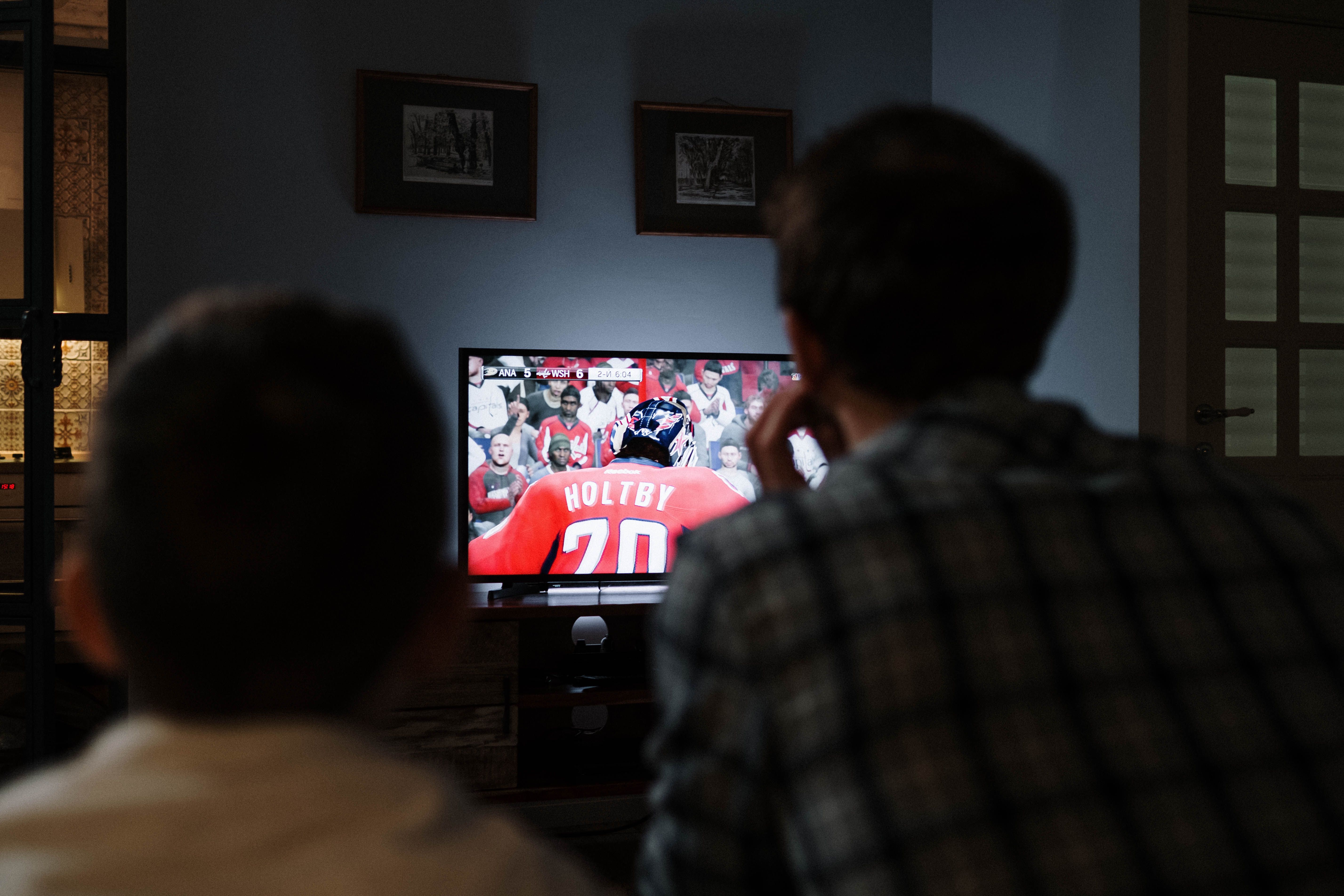
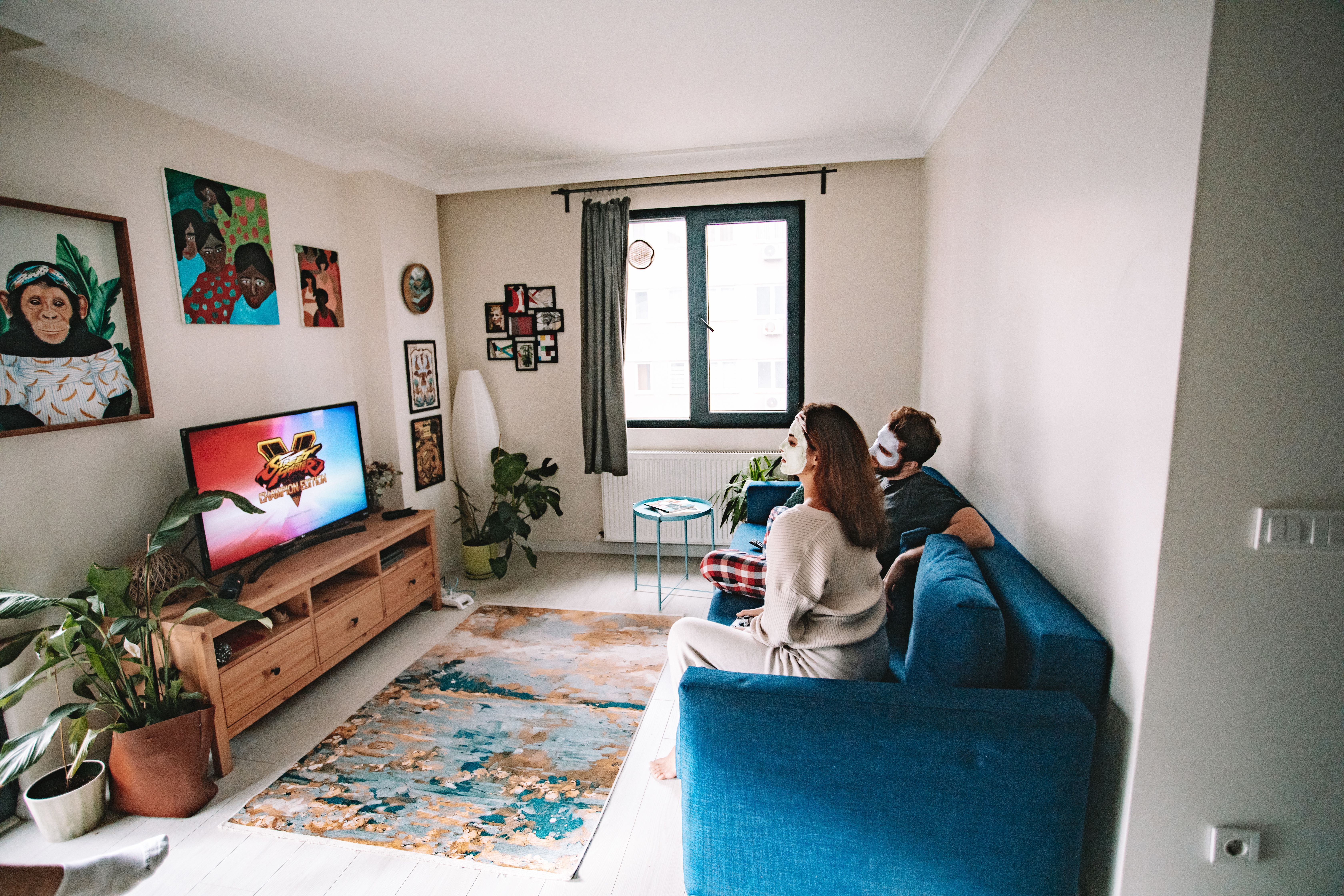
A iptv multi device subscription is exactly what it sounds like: one account, multiple simultaneous streams. Your teenager watches a football match on the living room TV, your partner streams a drama series on a tablet in the bedroom, and you catch the news on your phone — all at the same time, all from the same plan.
That sounds simple, but the execution is where most providers fall apart. Buffering on one screen kills the second. Servers that handle five concurrent streams poorly are worse than useless. The quality of the infrastructure behind the service is everything.
Necro IPTV runs on enterprise-grade servers built specifically for this kind of parallel load. With 25,000+ live TV channels and 60,000+ movies and series in the library, the bottleneck is never content — it's always server capacity. Necro's infrastructure is sized to handle it.
Why does this matter more than channel count? Because a channel you can't actually watch is worthless. Stable delivery across every active screen is the real product.

Which Devices Work With a Multi Device IPTV Setup
The first question most people ask is: will it work on my TV? The short answer is yes — almost certainly. Necro IPTV covers every major platform that households actually use.
Supported Devices
- Amazon Firestick — the most popular IPTV player; setup takes under five minutes
- Android phones and tablets — install the app directly, no sideloading required
- iOS (iPhone and iPad) — full support through compatible player apps
- Smart TVs — Samsung, LG, and Sony are all confirmed compatible
- MAG boxes — dedicated IPTV hardware for the purists who want a set-top box experience
One thing I'd tell anyone setting this up for the first time: don't try to run every device through the same Wi-Fi band. I made that mistake on a 2.4 GHz network and got stuttering on three screens simultaneously. Move your primary TV device to 5 GHz or, better yet, wire it directly via Ethernet. The difference is immediate and dramatic.
The iptv multi device compatibility list at Necro covers all of the above, and the setup guides are genuinely clear — not the usual PDF-from-2019 situation you find on cheaper providers.

Necro IPTV Pricing: How the Multi Device Plans Break Down
Pricing is where a lot of IPTV shoppers get confused. Plans multiply fast once you factor in device count and subscription length. Here's exactly how Necro IPTV structures it.
| Plan Length | Total Cost (1 Device) | Effective Monthly Rate | Auto-Renews? |
|---|---|---|---|
| 1 Month | $12.99 | $12.99/mo | No |
| 3 Months | $34.99 | ~$11.66/mo | No |
| 6 Months | $49.99 | ~$8.33/mo | No |
| 12 Months | $59.99 | ~$5.00/mo | No |
| Lifetime (1 Device) | $289 one-time | Pays off in ~6 months vs annual | Never |
None of these plans auto-renew. That's a bigger deal than it sounds. Most streaming services quietly charge your card the moment a billing cycle ends. With Necro, you renew manually when you're ready. Full control, no surprises.
For households with more than one viewer, check the iptv lifetime options — multi-device lifetime plans go up to five simultaneous connections and scale accordingly from $289 for one device up to $797 for five.

The Content Library: 25,000+ Channels and 60,000+ Titles
Raw numbers are easy to throw around. What actually matters is whether the content you want is in there. So let's be specific.
Channel Categories
- Entertainment: 5,000+ channels across drama, comedy, reality, and lifestyle
- Sports: 1,500+ channels covering football, basketball, combat sports, motorsport, and more
- News: 800+ channels from major international broadcasters
- Movies: 3,000+ dedicated movie channels plus 60,000+ on-demand VOD titles
- Kids and Family: 1,200+ channels with age-appropriate programming
- Documentaries: 900+ channels
- Music: 600+ channels
- International: 12,000+ channels spanning dozens of languages and regions
That international category is genuinely impressive. If you have family members who want content in Arabic, Portuguese, Hindi, or Mandarin, the library covers it. Most cable providers charge a premium for international packages. Here it's included by default.
The VOD side is equally deep — 67,000+ on-demand titles means you're not hitting the bottom of the catalog on a rainy Sunday. Browse the full breakdown at the necro iptv channel guide before you subscribe.

How to Actually Set Up Multi Device IPTV at Home
Setup is the part that scares people off. It shouldn't. On most devices, you're looking at five to ten minutes from account creation to live TV.
General Setup Steps
- Choose your plan and device count at the iptv lifetime subscriptions page.
- Receive your login credentials via email — usually within minutes of payment.
- Download the recommended player app for your device (Firestick users typically use a dedicated IPTV player app; Smart TV users can use the built-in browser or a compatible app).
- Enter your M3U playlist URL or Xtream Codes credentials into the app.
- Browse channels and start streaming.
One practical tip: set your player's buffer size to at least 5 seconds if the app allows it. On a 50 Mbps connection that setting eliminates almost all mid-stream stutters caused by brief network fluctuations. I spent two weeks troubleshooting a "buffering problem" that was actually just the default zero-second buffer on a popular player app. Changing one setting fixed it entirely.
For households running three or more simultaneous streams, aim for a minimum of 30 Mbps download speed per active device on HD content, and 50 Mbps for 4K. Most modern broadband plans handle this easily.

Why the Lifetime Plan Is Worth a Hard Look
Most people default to monthly subscriptions because the upfront number feels smaller. That's understandable. But run the math and the lifetime option tells a different story.
At $59.99 for twelve months, you're paying roughly $5.00 per month. The one-device lifetime plan costs $289. That's a break-even point of about 58 months — under five years. If you're confident in the service (and a free trial removes most of that uncertainty), paying once and never thinking about it again has real appeal.
The iptv lifetime plan also includes every future content update. Necro adds channels and VOD titles regularly, and lifetime subscribers get those additions automatically without any additional cost.
Is the lifetime plan right for everyone? No. If you're testing IPTV for the first time, start with a monthly plan or the free trial. But if you've used IPTV before and know what you want, the math on lifetime is hard to argue with.

Support, Reliability, and What Happens When Something Goes Wrong
Every IPTV service works fine when nothing breaks. The real test is what happens at 9 PM on a Saturday when a channel goes down and you're mid-game.
Necro IPTV runs 24/7 customer support. That's not a marketing phrase — it means someone is available at 2 AM when your Firestick loses the stream and you've got guests over. The support team handles both technical setup questions and account issues.
What kinds of problems actually come up? The most common ones are:
- App configuration errors (wrong credentials entered, wrong server URL)
- Device-specific playback issues that need a different player app
- ISP throttling — some internet providers deliberately slow IPTV traffic, and a VPN resolves this in minutes
- Temporary channel outages during high-demand events like major sports finals
For ongoing tips and troubleshooting guides, the necro iptv help center covers the most common scenarios with step-by-step fixes. And the iptv lifetime blog publishes regular updates on new features, device compatibility changes, and setup walkthroughs for new platforms.
Is a Multi Device IPTV Service the Right Move for Your Household?
Here's the honest answer: if your household has more than one person who watches TV regularly, a iptv multi device plan almost certainly saves you money compared to a cable subscription or stacking multiple streaming services. The average American cable bill sits above $80 per month. Necro's 12-month plan for multiple devices costs a fraction of that annually.
The content depth is genuinely competitive. 25,000+ live channels covers sports, news, and international programming that most streaming apps don't touch. The 60,000+ VOD titles handle the on-demand side. You're not giving anything up.
Who should probably stick with traditional streaming? Anyone who relies on a specific platform's exclusive app features — interactive watch parties, curated recommendation algorithms, or platform-specific downloads for offline viewing. IPTV doesn't replicate those experiences. It replaces live TV and on-demand catalogs, not platform ecosystems.
For the majority of households, though, a quality multi device IPTV service like Necro delivers more content, on more screens, at a lower price than any cable or satellite alternative. Start with the free trial, test it on your actual devices, and make the call with real data rather than guesswork.

Frequently Asked Questions
How many devices can I use simultaneously with Necro IPTV?
Necro IPTV offers plans for 1, 2, 3, 4, or 5 simultaneous devices. You choose your device count when you subscribe. Each additional device slot is included in the plan price — there's no per-device fee stacked on top.
Does the subscription auto-renew?
No. Necro IPTV subscriptions do not auto-renew. When your plan period ends, you manually renew if you want to continue. This applies to all monthly, quarterly, and annual plans. The lifetime plan, obviously, never needs renewal at all.
What internet speed do I need for multi device IPTV streaming?
For HD streaming, plan for at least 10 Mbps per active device. For 4K, aim for 25–50 Mbps per device. If you're running three screens simultaneously in HD, a 50 Mbps connection handles it comfortably. Wiring your primary TV to Ethernet rather than relying on Wi-Fi eliminates most speed-related issues.
Can I try Necro IPTV before paying for a full subscription?
Yes. Necro IPTV offers a free trial that gives you access to the full channel lineup. It's the most practical way to verify that the service works on your specific devices and network before committing to a paid plan.
What's included in every Necro IPTV plan?
Every plan — regardless of length or device count — includes 25,000+ live TV channels, 60,000+ on-demand movies and series in HD and 4K quality, regular content updates, and 24/7 customer support. There are no hidden fees and no additional taxes on top of the listed prices.
Is there a difference between the monthly and annual plan beyond price?
No. The content, channel count, streaming quality, and support level are identical across all plan lengths. The only variable is cost — longer plans cost less per month. The 12-month plan at $59.99 works out to roughly $5.00 per month, compared to $12.99 for a single month.
Necro IPTV Pricing
Pick a plan and start streaming today
25,000+ live channels · 60,000+ movies & series · HD & 4K · Works on every device.
Choose number of simultaneous devices
All prices in USD · No auto-renewal · 24/7 support
Want to pay once? See lifetime plans →Related Articles

Multi Device IPTV: Stream Every Screen in Your House Without Compromise
Multi device IPTV made simple: Necro IPTV streams 25,000+ channels in HD and 4K from $12.99/mo on every screen at once. Start with a free trial before you buy.
12 min read
IPTV Multi Device: Stream Every Screen in Your Home at Once
Multi device IPTV made simple: Necro IPTV delivers 25,000+ live channels to every screen in HD and 4K. Plans from $12.99/mo, plus a free trial before you buy.
13 min read
IPTV Multi Connection: How to Stream on Multiple Devices Without Killing Your Picture Quality
IPTV multi connection plans let the whole household watch at once. See how Necro IPTV handles up to 5 simultaneous streams in HD and 4K from $12.99 a month.
12 min read
IPTV Service with Multi Device Support: The Complete Guide to Multi Device IPTV
Looking for an IPTV service with multi device support? Necro IPTV offers 25,000+ channels, 60,000+ VOD titles, and plans from $12.99/mo. Start free today.
13 min read